A service job crosses several handoffs: the customer's request, the assigned visit, the work performed, the field closeout and the financial record. Four actual jobs show how Masterline IQ keeps those records connected across commercial plumbing, commercial electrical and commercial handyman work.
The examples cover three Masterline Facilities cases and an NCRC-linked plumbing call. Each field outcome comes from saved service notes. The NCRC example also has a verified completed invoice export; the other examples describe field closeout rather than a completed billing cycle.
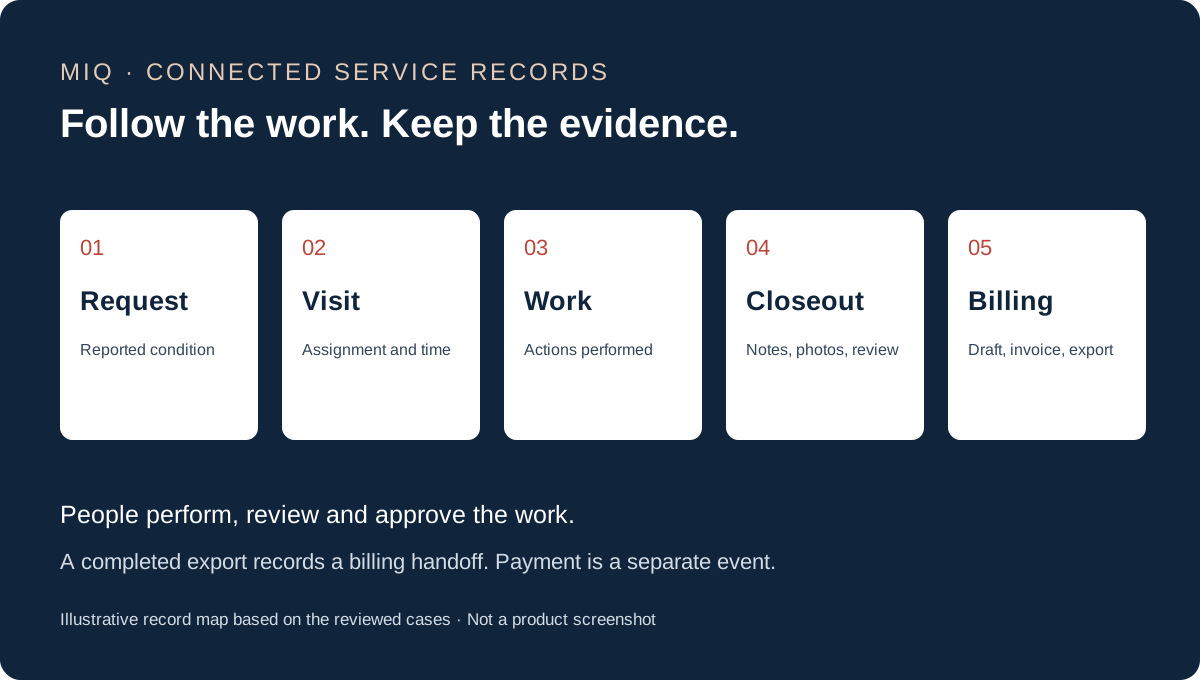
- Request — reported condition
- Visit — assignment and time
- Work — actions performed
- Closeout — notes, photos and review
- Billing — draft, invoice and export
Start with the original service request
The original scope remains attached to each job. For the restaurant hand-sink repair, it identified a faucet dripping with the handles off. For the retail cashwrap repair, it reported a fallen panel.
Keeping that request available lets the next person compare it with what the technician found. It also prevents a short status label from becoming the entire explanation of the job.
Connect the visit to the performed work
The reviewed records contain assigned visits and check-in and check-out entries. Saved service notes describe the actual actions: cleaning the hand-sink components and testing for a drip, reattaching two cashwrap panels, and correcting two retail track lights.
The commercial electrical correction case makes the scope distinction clear. The initial lighting plan was broader, while the reviewed correction note identifies two replacements. The completed-work description should follow the visit evidence.
Keep closeout evidence attached to its job
MIQ retains the service notes, photo attachments and visit acknowledgments with the work order. For the hand-sink job, the saved activity history includes note and file events as well as checkout and a later status change.
That creates a review path through the job. Office reviewers read the service report and check the completion evidence before interpreting the job's current stage. A saved note, a visit acknowledgment and a status each contribute different information.
Carry the field record into billing
The NCRC drinking-fountain service case includes a synced invoice draft, a QuickBooks link and a completed invoice export. Its linked invoice was open when reviewed, so the documented endpoint is the billing handoff rather than payment.
The other cases were reviewed for their field work and closeout records. Separating those stages gives the office a clearer account of what is complete and which financial step still needs attention.
Software supports the people doing the work
These examples show information connected through MIQ. The technicians performed the repairs, management reviewed the field work and the office handled the billing decisions. The records demonstrate those handoffs without assigning them to an autonomous AI decision.
MIQ is Masterline's internal operating system and is not currently for public sale. See what is live today and the work-order intake review guide for the current operating context. Tim's workflow mapping guide explains how to identify the handoffs and proof a process needs.
Apply the same review to your service workflow
- Identify the source request and who owns the next handoff.
- Keep performed work and closeout evidence attached to the visit.
- Check the actual financial stage before calling the job paid.
For a management view, read the operating-review lessons. For project planning, see what plumbing service history can carry into the next project.
Based on saved service notes and linked work-order records. Customer names, exact locations and commercial terms are omitted.