A manager saw water at the bottom of a wall. The tech found a leaking faucet fitting behind a panel. IQ kept both accounts on the same job. The office could follow the request, visit, work note, photos and next billing step.
This is how we use field service software inside Masterline. Read the Tucson plumbing repair story for the field work. This article follows the handoff between the office and tech.
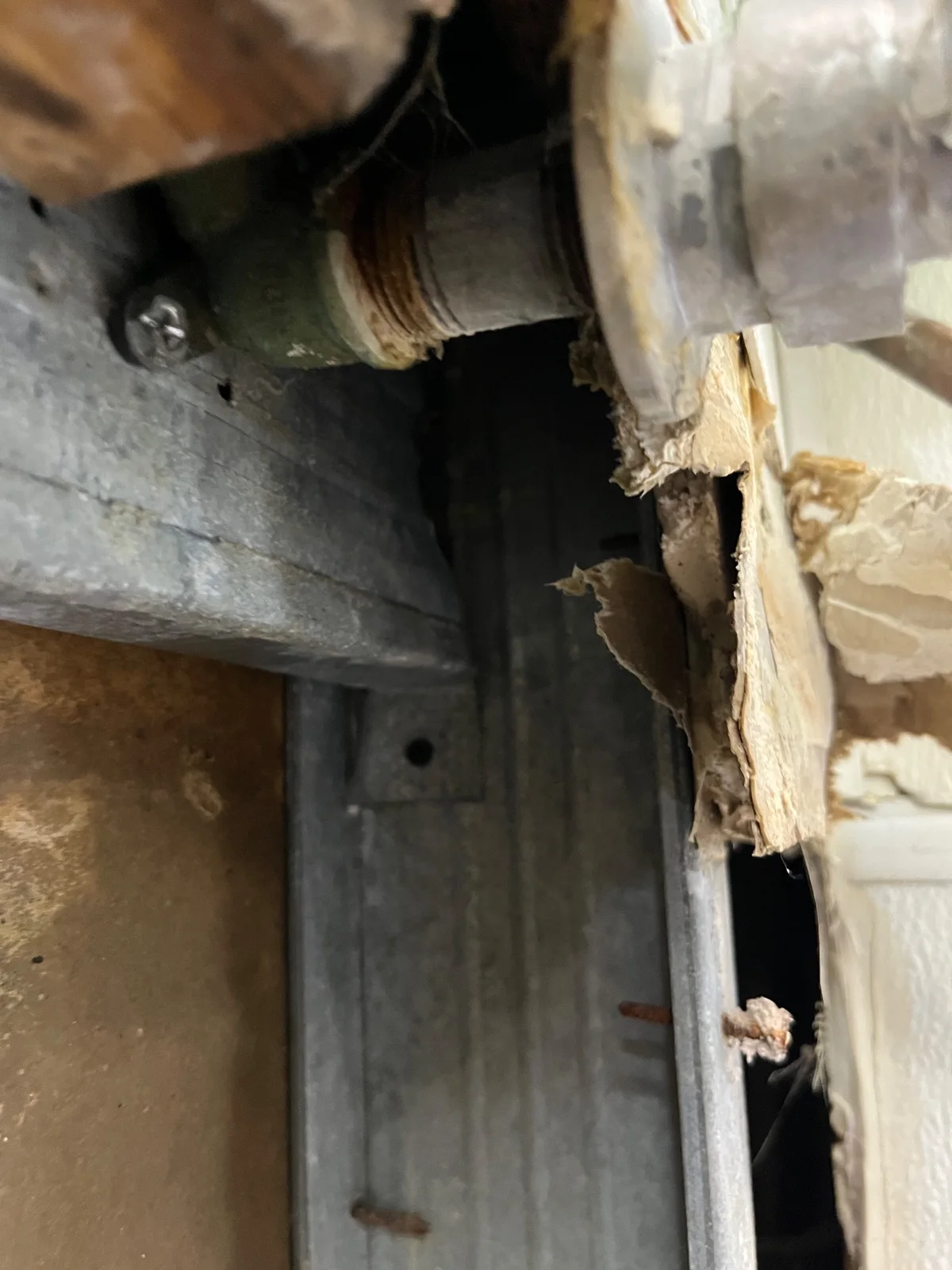
Keep the first report when the fault changes
The first request said water came from where the wall met the baseboard. It also mentioned a bang. The fault was not yet known.
The tech’s saved note adds the finding: a leaking connection at the faucet. Keeping the first report beside that note lets the office see how the scope became clear. It avoids making a guess in the request look like a proven cause.
Follow one work order through the steps
| Step | What this job holds |
|---|---|
| Request | Reported wall leak, entered October 20. |
| Dispatch | In-house tech assigned, scheduled visit and a provider notice event. |
| Visit | Check-in and checkout tied to that visit. |
| Field record | Repair note, before/during/after photo records and one saved sign-off. |
| Office step | Ready to bill. A sent bill and payment are not shown. |
These are saved records from a current IQ job. They do not show that AI diagnosed the fault, chose the fitting or did the repair. The tech did that work.
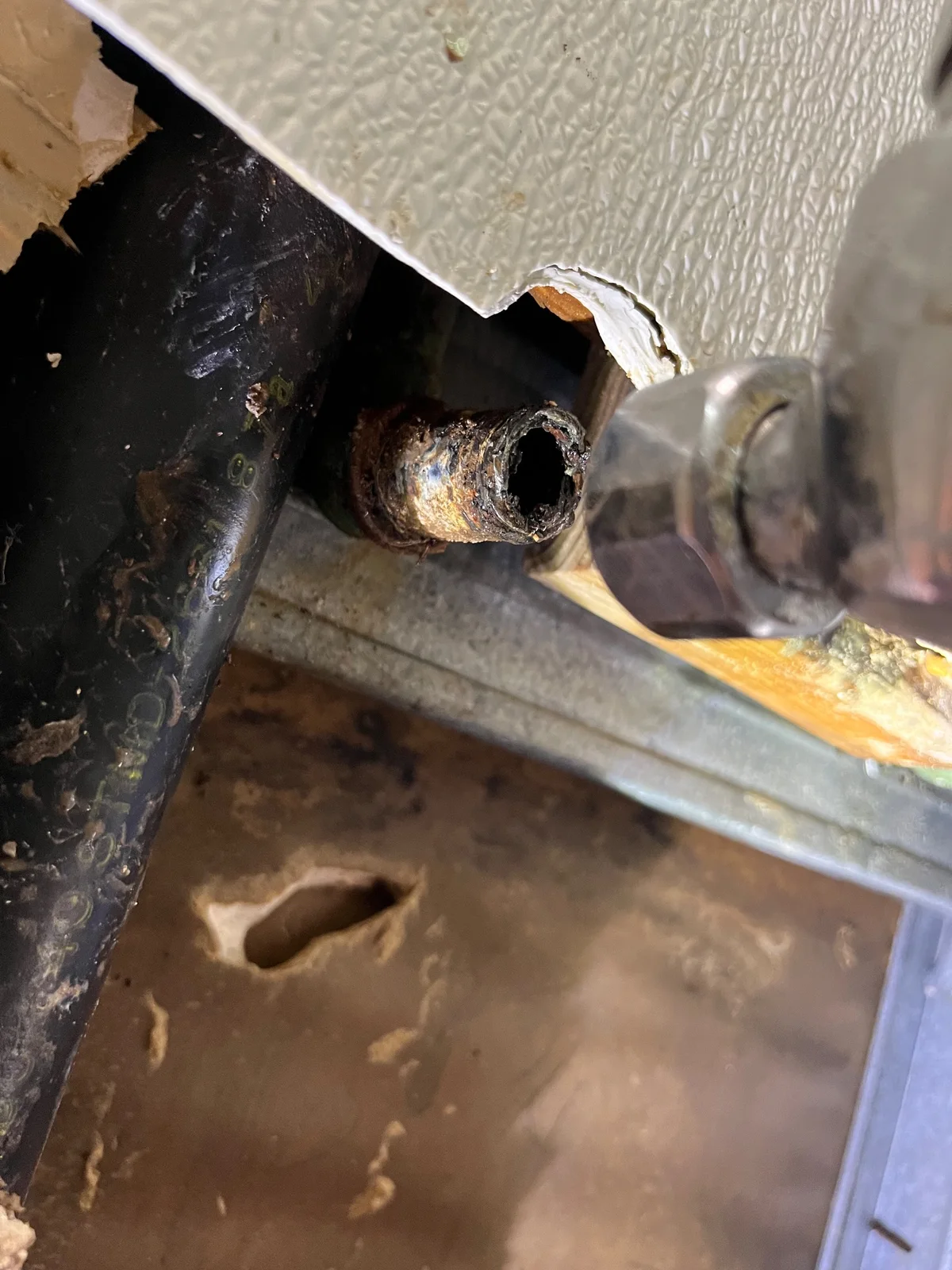
Save the finding before closing the panel
The note says the tech changed the old fitting to a brass coupler. He showed the manager before putting the panel back. The photos give the office a view of work that would later be hidden.
Work order status tracking is useful when the status has proof behind it. Here, the note says what changed. The photo shows the connection. The visit records show the field handoff.
Keep the billing question open
When reviewed on October 22, the job was at Complete | Ready For Billing. No saved invoice draft, linked invoice or billing export was returned for this job. That stage does not show a sent bill or a payment.
IQ is the software backbone for these steps: it keeps the work in one record from request through the field visit and office handoff. A later bill or payment needs its own record. We do not stretch this example past what is saved.
A simple office-to-field handoff check
- Keep the customer’s first words.
- Save what the tech found in a separate work note.
- Take a clear photo before hiding the repaired part.
- Make the next office step plain.
See our work order management software and workflow guide for the wider system, or read more real IQ job stories.
MasterlineIQ (MIQ) was built by Tim Yslava for the family’s businesses. IQ is our internal software. It is not for sale.
Based on saved IQ service notes, visit records, history and matched original photos reviewed October 22, 2026. Customer names, exact addresses, private prices, contacts and signatures are omitted. Still images support the account; field results come from the saved work note.