Build note · November 4, 2026
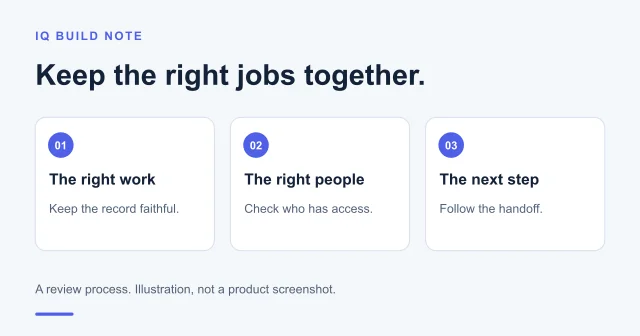
Field Service Scheduling: What to Check Before a Software Change
Five checks for changing field service scheduling software: work order ownership, team access, cancelled visits, record values and the office handoff.
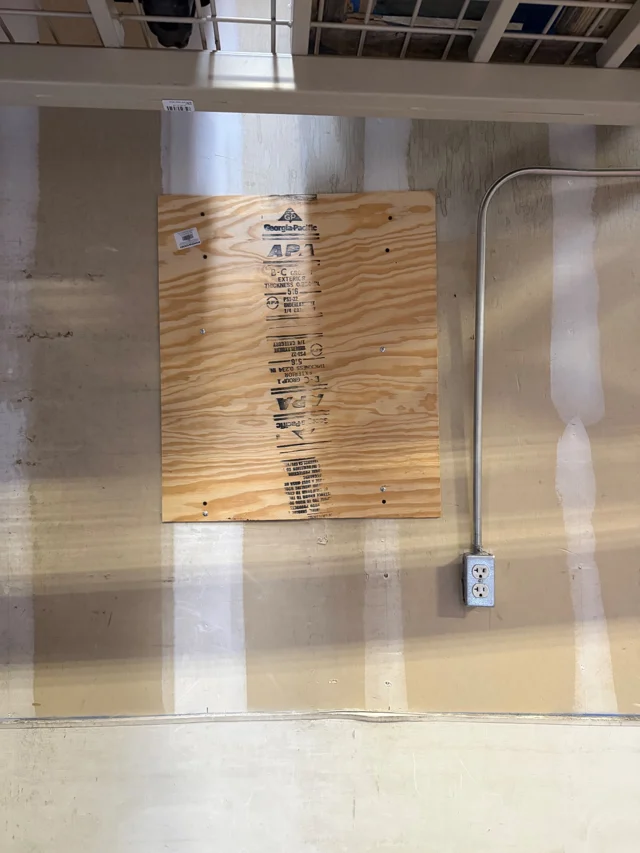
Work Order Software: Keep the Actual Scope Clear
A wall request and its final work note said different things. See how IQ kept the scope, dispatch, field photos, sign-off and invoice record together.
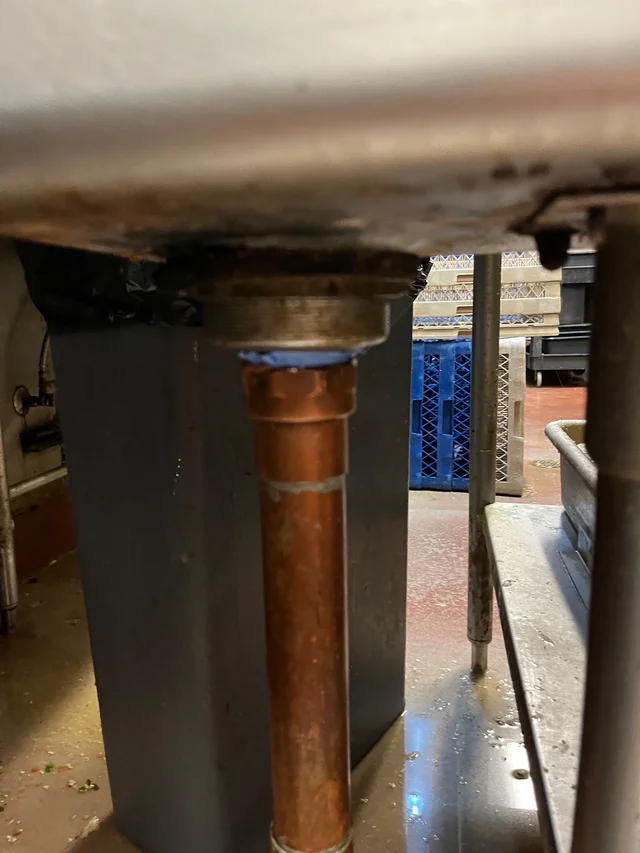
Field Service Billing: From a Work Order to an Invoice
Follow one real job from request and dispatch through notes, photos, sign-off and a confirmed QuickBooks invoice export. Payment remains a separate check.
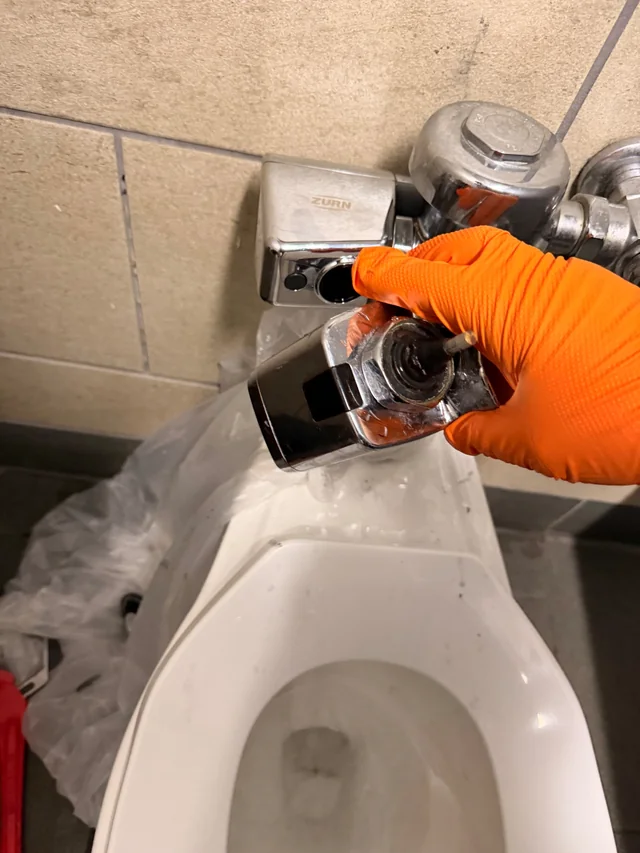
Work Order Management: Keep Both Parts of a Service Call Clear
A blocked urinal and a toilet sensor fault shared one NCRC call. Follow the actual request, field note, photos, sign-off and office handoff in IQ.
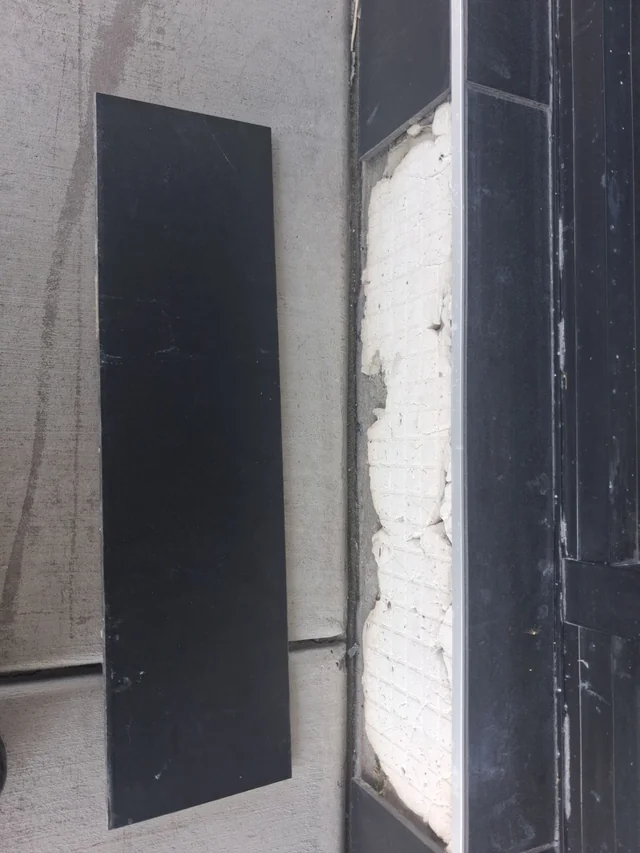
Work Order Software: Keep the Return Visit With the Job
A tile repair took two visits. See how IQ kept the first request, unfinished grout step, return note, photos, sign-offs and draft bill on one work order.
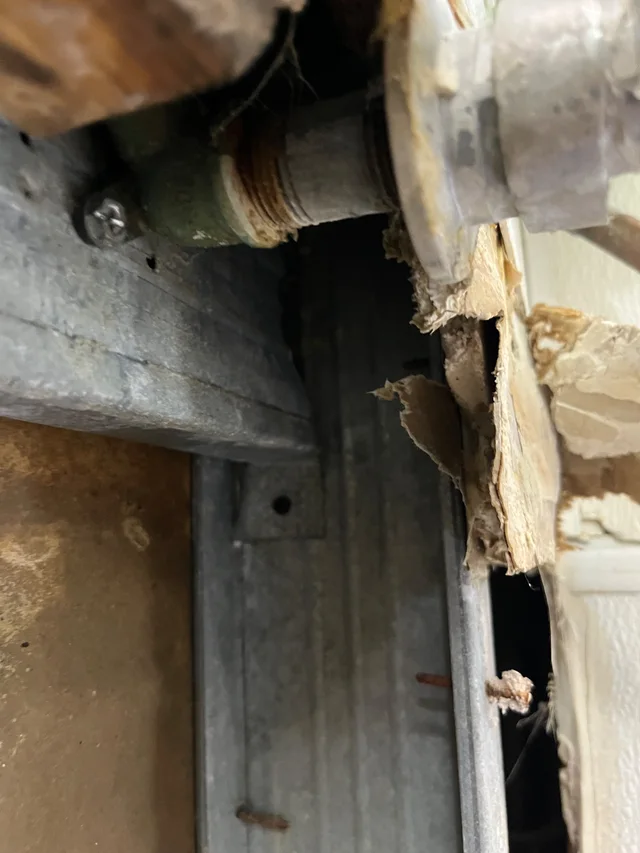
Field Service Software: Keeping a Wall-Leak Job Together
Follow a real job from the first leak report to field notes, photos and ready to bill. See how IQ links the office and tech without losing the facts.
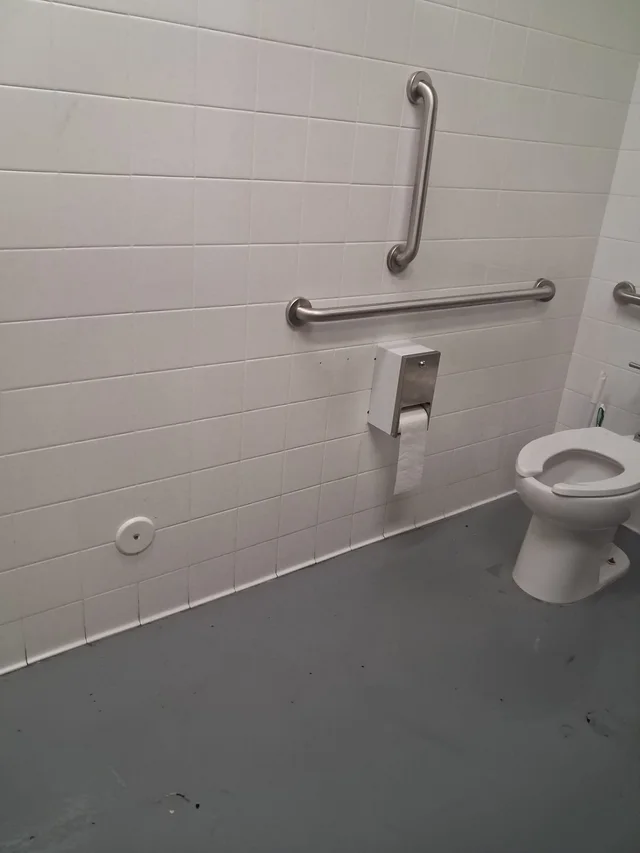
Work Order Closeout: A Three-Toilet Backup in IQ
Notes, photos, sign-offs and ready to bill each tell part of the story. See how IQ kept this real drain-service job together from request to office review.