One service request named two faults: a blocked urinal and a toilet that would not flush well. A single “complete” label would not explain what happened to each fixture. The saved work note did.
IQ kept the request, assigned visit, field work, photos and office stage together. Read the NCRC repair case for the plumbing work. This article explains how to read a work order with more than one task.
Start with both problems
The request was saved on October 14. It named a urinal drain issue and a toilet flush issue in separate restrooms. The visit took place on October 15.
Keeping the first report matters. A later note should answer both parts, not just say “done.” This is a reader checklist for reviewing the record, not a claim that IQ created two automatic tasks.
Match each fault to its work note
| Reported fault | Recorded work | Recorded result or limit |
|---|---|---|
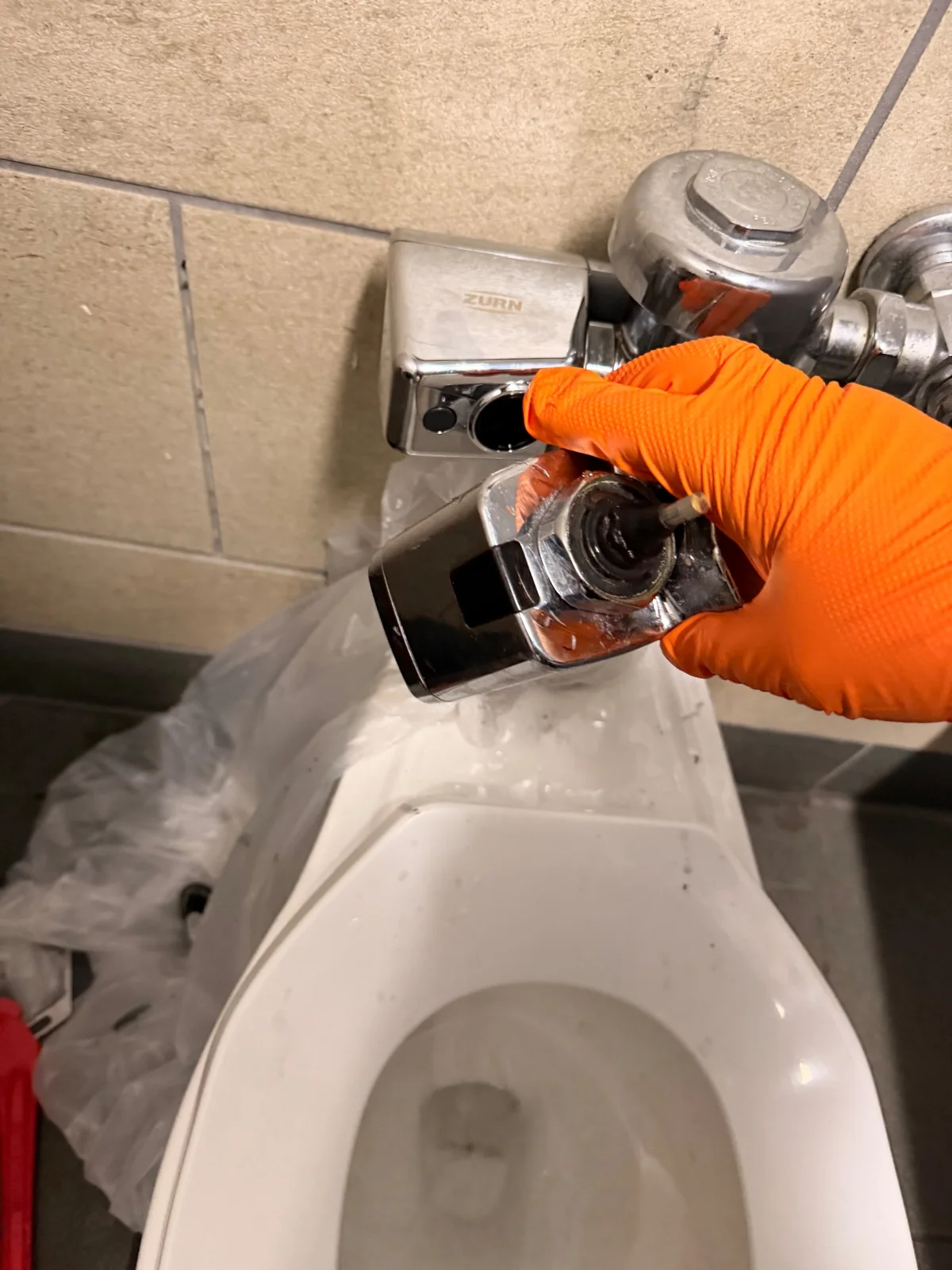
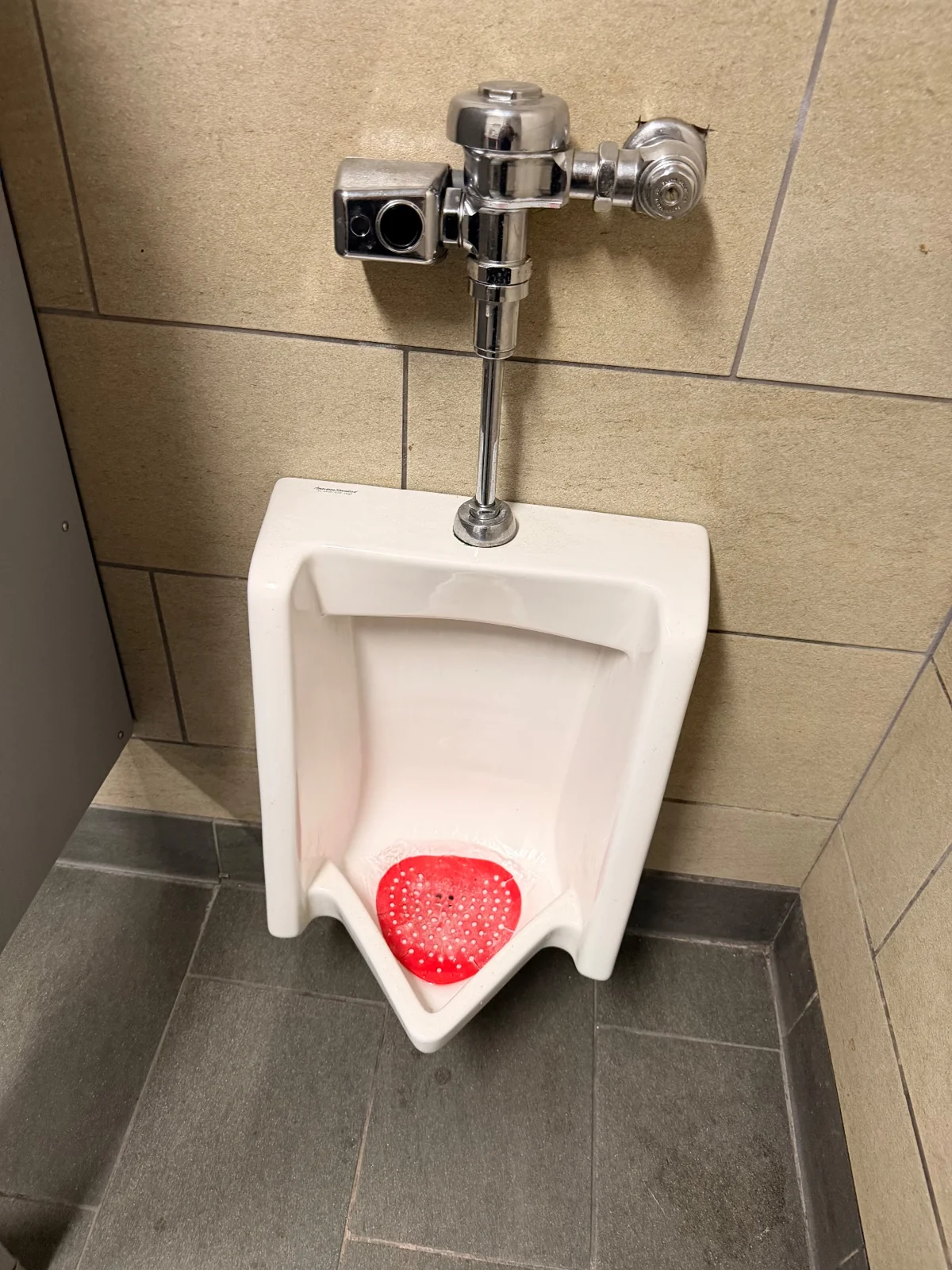
| Urinal would not drain | Snaked the line and added a urinal treatment | Note says the line was cleared. No camera inspection is recorded. |
| Toilet flush did not work well | Changed the diaphragm and sensor; installed batteries | Note says the tech flushed the toilet and it worked again. No flush count is recorded. |
The chain through the office handoff
- Intake: IQ saved the NCRC request with both faults.
- Dispatch: An in-house tech and a scheduled visit were saved.
- Field work: Check-in, the work note, parts records and original photos stayed on the job.
- Sign-off: IQ kept a sign-off and checkout. The note says management verified the work.
- Billing: The job moved to ready to bill on October 15. At the October 23 review, no draft bill, linked invoice or billing export was returned.
The saved steps make IQ the software backbone of this job’s record. They do not show a bill was sent or paid. They also do not establish lasting drain performance or autonomous AI repair checks.
Before closing a call with several faults
- Read the first request again.
- Find the work note for each problem.
- Separate the reported test from what a photo shows.
- Keep any unfinished item clear.
- Check the next office step on its own.
Learn how we use work order management software from intake through office review. The tech did the plumbing. IQ kept the connected record for people to review.
MasterlineIQ (MIQ) was built by Tim Yslava for the family’s businesses. IQ is our internal software. It is not for sale.
Based on saved IQ work notes, visit records, full event history and matched original photos reviewed October 23, 2026. Private names, addresses, prices, contacts and signatures are omitted. Photos support the story; work results come from the dated service notes.