A job can be done on site while the bill is still waiting. This drain job shows why IQ keeps the work note, photos, sign-off and billing stage together. Each tells the office something different.
The first report described one clogged toilet and bubbling next door. The tech’s notes describe a main drain backup affecting three toilets. Read the Masterline Facilities drain service case for the work performed.
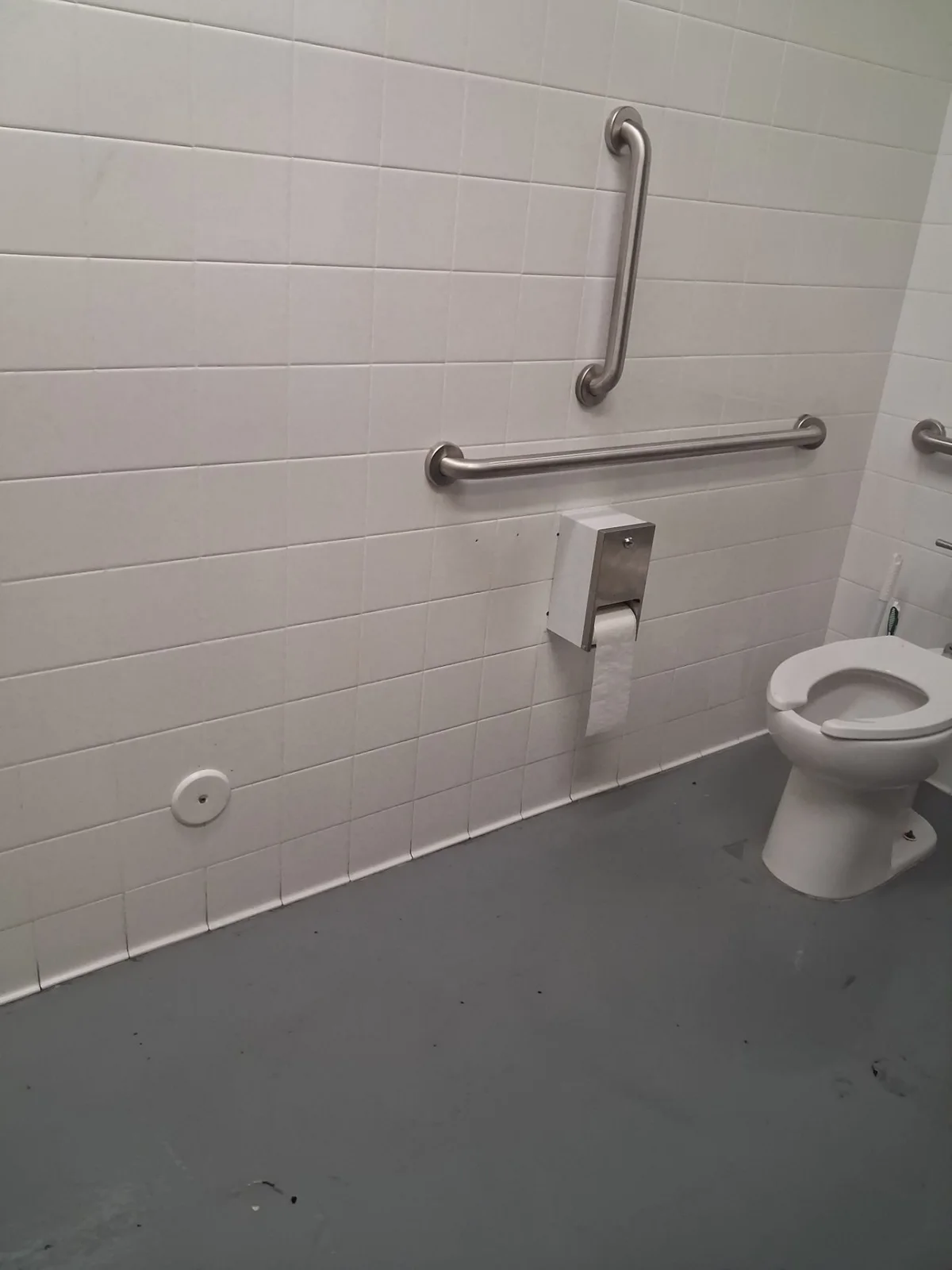
A closeout needs more than a done label
The tech’s note says he cleared the toilets through three areas, cleaned the floor and showed the manager. IQ holds that note with the visit and photo records.
The job also has two saved sign-offs. The visit and time record show one field visit. Two sign-off entries do not mean two repairs or two visits took place.
Read each record for what it proves
| Record | What it adds | What it cannot prove |
|---|---|---|
| First request | One clogged toilet and a nearby bubbling toilet. | The final fault or repair scope. |
| Tech’s note | Three blocked toilets, clearing work and cleanup. | A permanent fix or a cause found inside the pipe. |
| After photos | A view of the restroom after service. | Flow inside the drain line. |
| Sign-offs | Saved acknowledgments tied to the work. | Payment or long-term performance. |
| Ready to bill | The next office stage. | A bill sent or paid. |
How IQ linked the job end to end
- Intake: The request was saved on October 20.
- Dispatch: The job has an assigned in-house tech and scheduled visit.
- Field work: IQ saved check-in, work notes, files and sign-off events.
- Closeout: The status moved to ready to bill. Checkout was recorded that evening.
- Billing: The record stops short of a verified invoice or payment.
All of those events took place on October 20 in Pacific time. Some saved photo labels show October 21 because their file records use a different date display. We use the visit record for the service date.
When reviewed on October 22, the job was at Complete | Ready For Billing. No saved invoice draft, linked invoice or billing export was returned for this job. That stage does not show a sent bill or a payment.
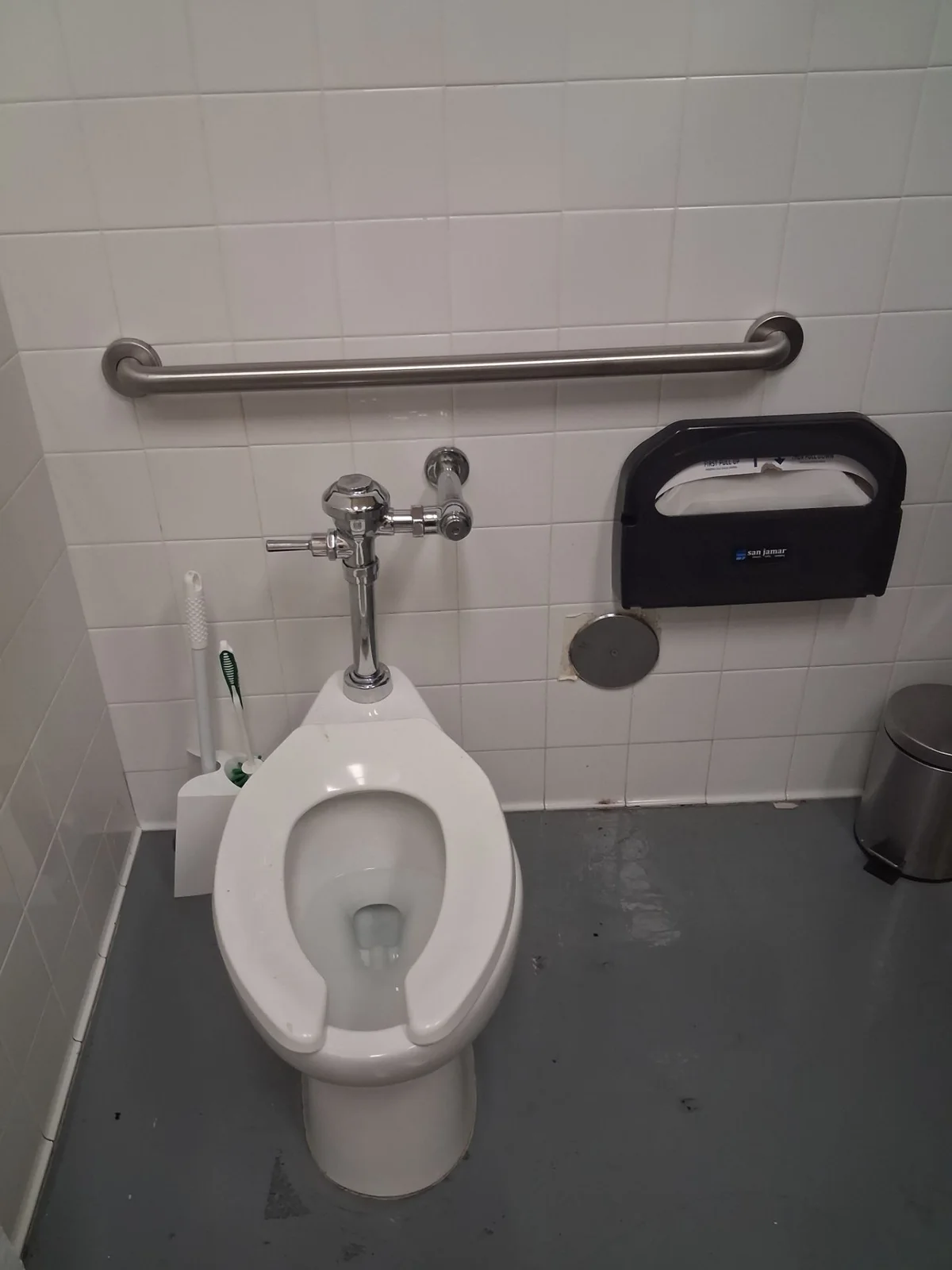
Use automation without losing the facts
Work order closeout automation still needs clear proof at each step. This case shows people using IQ’s saved workflow. It does not show AI clearing a drain or an automatic bill being sent.
For connecting work orders to invoices, start with the right field record. Keep the changed scope, the work done and any open questions together. Then check the bill itself before marking it sent or paid.
Before the office moves on
- Does the note cover every affected fixture?
- Does it name the work and the check?
- Do the photos belong to this job?
- Do sign-off counts match the visit history?
- Is the next step field work, billing or payment review?
IQ is the software backbone that holds this chain in one place. The tech did the field work. People review the job and bill. See how our internal work order system works and more real IQ cases.
MasterlineIQ (MIQ) was built by Tim Yslava for the family’s businesses. IQ is our internal software. It is not for sale.
Based on saved IQ service notes, visit records, history and matched original photos reviewed October 22, 2026. Customer names, exact addresses, private prices, contacts and signatures are omitted. Still images support the account; field results come from the saved work note.